
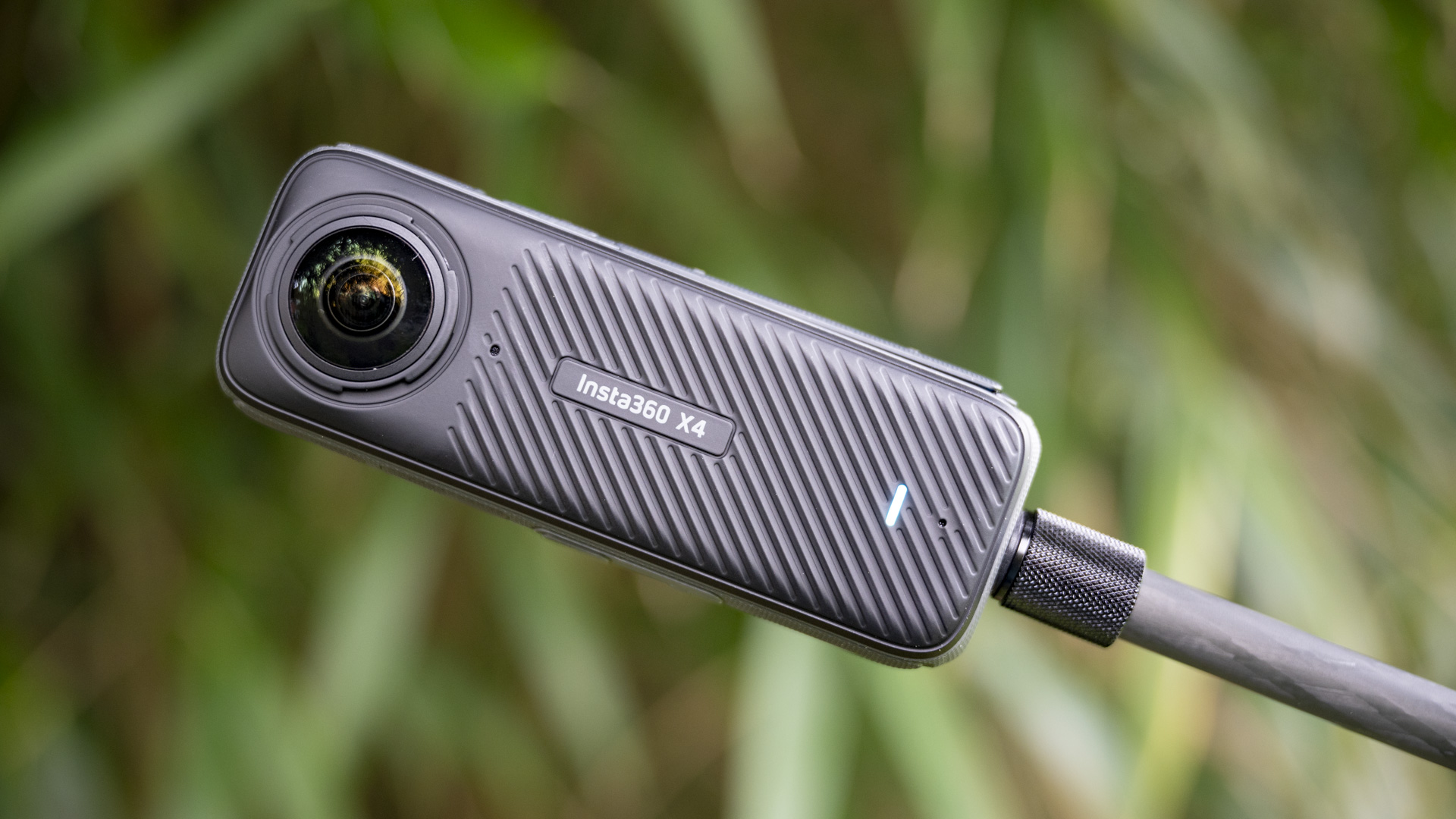
Introduction to Insta 360 Go 3
The Insta 360 Go 3 is one of the most compact and versatile action cameras available today. Perfect for beginners and seasoned creators alike, this tiny powerhouse offers incredible features that make capturing life on the go effortless. In this guide, we will walk you through everything you need to know to get started with your Insta 360 go 3, from unboxing to shooting professional-looking videos.
Unboxing Your Insta 360 Go 3
When you first unbox the insta 360 go 3, you will find the camera itself, a magnetic charging case, a variety of mounts, and a USB-C cable. Each accessory is designed to make filming seamless. Beginners will appreciate the simplicity of the packaging, ensuring that nothing is missing and you can start filming immediately.
Setting Up Your Insta 360 Go 3
Setting up your insta 360 go 3 is quick and straightforward. First, charge the camera fully using the magnetic case. Next, download the official Insta360 app on your smartphone. Pairing your device with the app allows you to control settings, preview shots, and transfer footage easily. Understanding the basic setup ensures you maximize the potential of your insta 360 go 3.
Understanding Camera Modes
The insta 360 go 3 comes with multiple shooting modes designed for different scenarios. Video mode lets you capture smooth, stabilized footage, while photo mode is perfect for quick snapshots. Time-lapse and hyper-lapse modes allow you to create dynamic sequences effortlessly. Beginners should spend time experimenting with each mode to see which fits their style best.
Using the Magnetic Accessories
One of the unique features of the insta 360 go 3 is its magnetic mounting system. With included mounts, you can attach the camera to clothing, helmets, or even metallic surfaces. This feature enables hands-free shooting, making it ideal for action shots, travel videos, or creative angles. Learning to use these accessories properly will significantly enhance your filming experience.
Shooting Tips for Beginners
To make the most of your insta 360 go 3, start by keeping the camera steady and framing your shots carefully. Utilize the app for live previews and experiment with angles. Beginners should focus on simple techniques like smooth pans and slow movements to create professional-looking footage. Lighting is also crucial; natural light works best for vibrant and clear videos.
Editing Your Footage
The insta 360 go 3 comes with powerful editing features through the Insta360 app. You can trim clips, add transitions, and apply filters to make your content more engaging. Beginners should explore templates in the app, which simplify editing and provide creative inspiration. Mastering these tools will make your videos look polished even if you are just starting out.
Battery Life and Charging Tips
Battery life on the insta 360 go 3 is sufficient for casual shooting, but understanding charging habits is important. Always use the magnetic case to charge the camera, and consider carrying a portable charger for longer trips. Monitoring battery levels through the app helps ensure you never miss a moment.
Maintaining Your Insta 360 Go 3
Proper care of your insta 360 go 3 ensures longevity. Keep the lens clean, avoid exposure to extreme temperatures, and store it safely when not in use. Regularly updating the firmware through the Insta360 app guarantees access to the latest features and performance improvements.
Exploring Advanced Features
Once you are comfortable with the basics, you can explore advanced features of the insta 360 go 3. FlowState stabilization ensures buttery-smooth footage even in action-packed scenarios. HDR mode captures more details in both shadows and highlights, enhancing video quality. Learning to utilize these features will take your content to the next level.
Sharing and Uploading Content
The insta 360 go 3 makes sharing content simple. You can export videos directly from the app to social media platforms, including Instagram, TikTok, and YouTube. Beginners should focus on short, engaging clips to grow their audience while practicing editing and filming techniques.
Conclusion
The insta 360 go 3 is a compact, versatile, and powerful camera perfect for beginners eager to capture life on the go. From setup to shooting, editing, and sharing, this guide has covered everything a new user needs to get started. By understanding the camera’s features, experimenting with shooting techniques, and using the app effectively, anyone can create professional-looking content with the insta 360 go 3. Whether you are documenting everyday moments or adventurous excursions, this tiny camera opens endless possibilities for creativity and storytelling.